Alarm.com Safety Button

Instant Emergency Assistance at Your Fingertips

Stay protected anywhere with a one-tap emergency alert connected to professional monitoring.

Whether you’re walking alone, meeting clients, or traveling, help is always within reach.

safety button

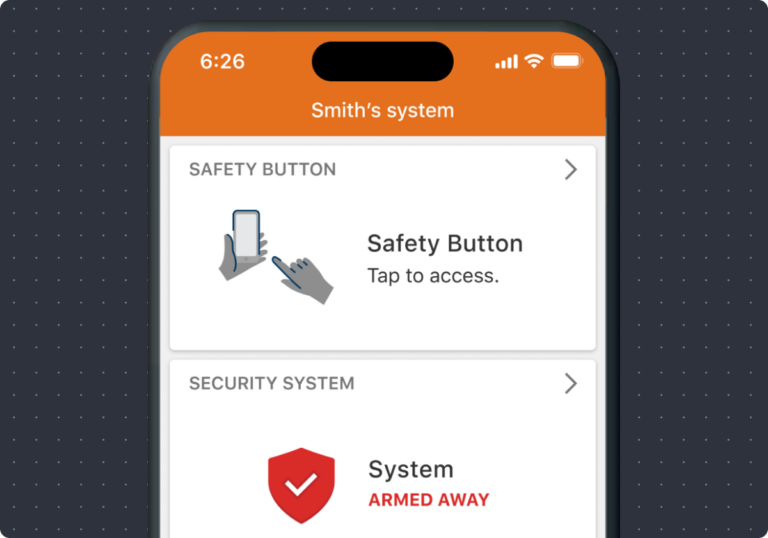
Introducing the Safety Button – a cutting-edge solution for seamless access to police, fire, or emergency medical aid as and when required. Whether our customers find themselves at home alone or out during late hours, they can take comfort in the knowledge that help is within immediate reach with a simple tap within the app.

Key Benefits

texting

One-tap emergency alert

phone integration

24/7 professional monitoring

press button

GPS location sent to responders

police car

Works anywhere in the United States

no hardware

No extra hardware required

Customers That Trust Us

“Organizations trust Go Safer Security to protect people, property, and peace of mind.”

What Is the Alarm.com Safety Button?

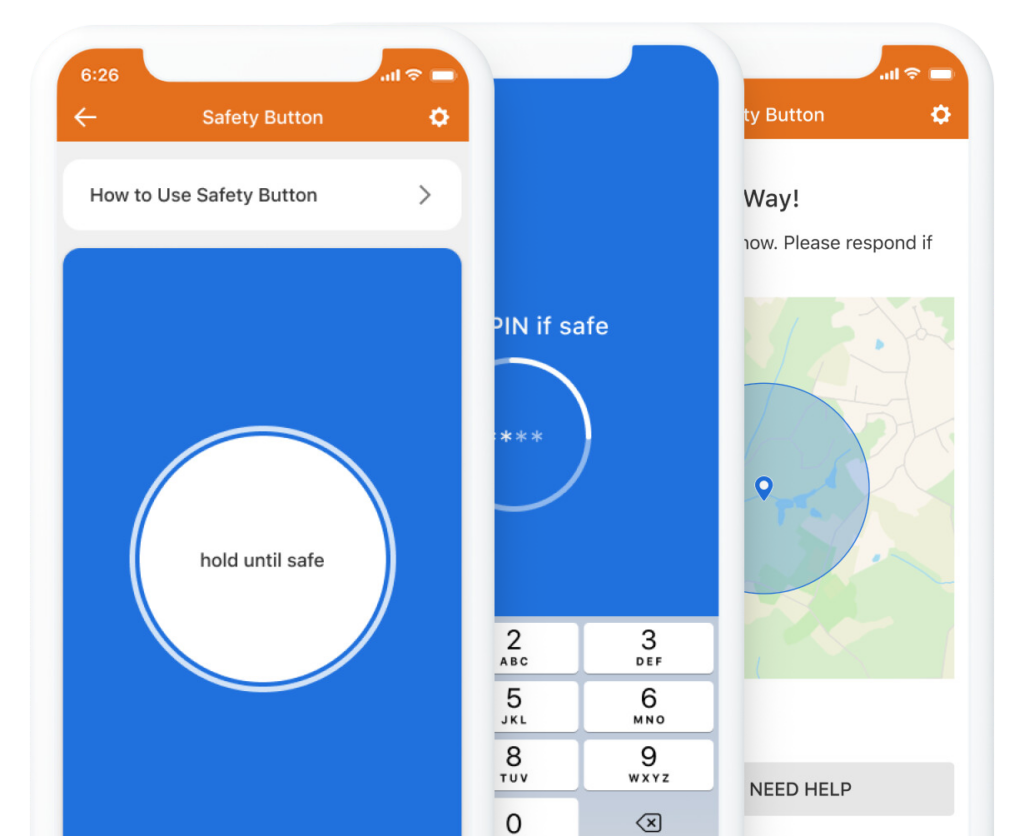
The Safety Button is a mobile emergency response feature inside the Alarm.com app that instantly connects you with professional monitoring specialists.

With a simple press and hold of the button, an emergency alert is sent along with your real-time GPS location so help can reach you quickly.

Instead of searching for a phone number or dialing 911 during a stressful moment, the Safety Button provides fast, reliable access to emergency assistance.

Monitoring specialists can:

  • Contact you immediately
    • Confirm your situation
    • Dispatch police, fire, or medical responders if needed

It’s a simple but powerful way to stay safe wherever you are.

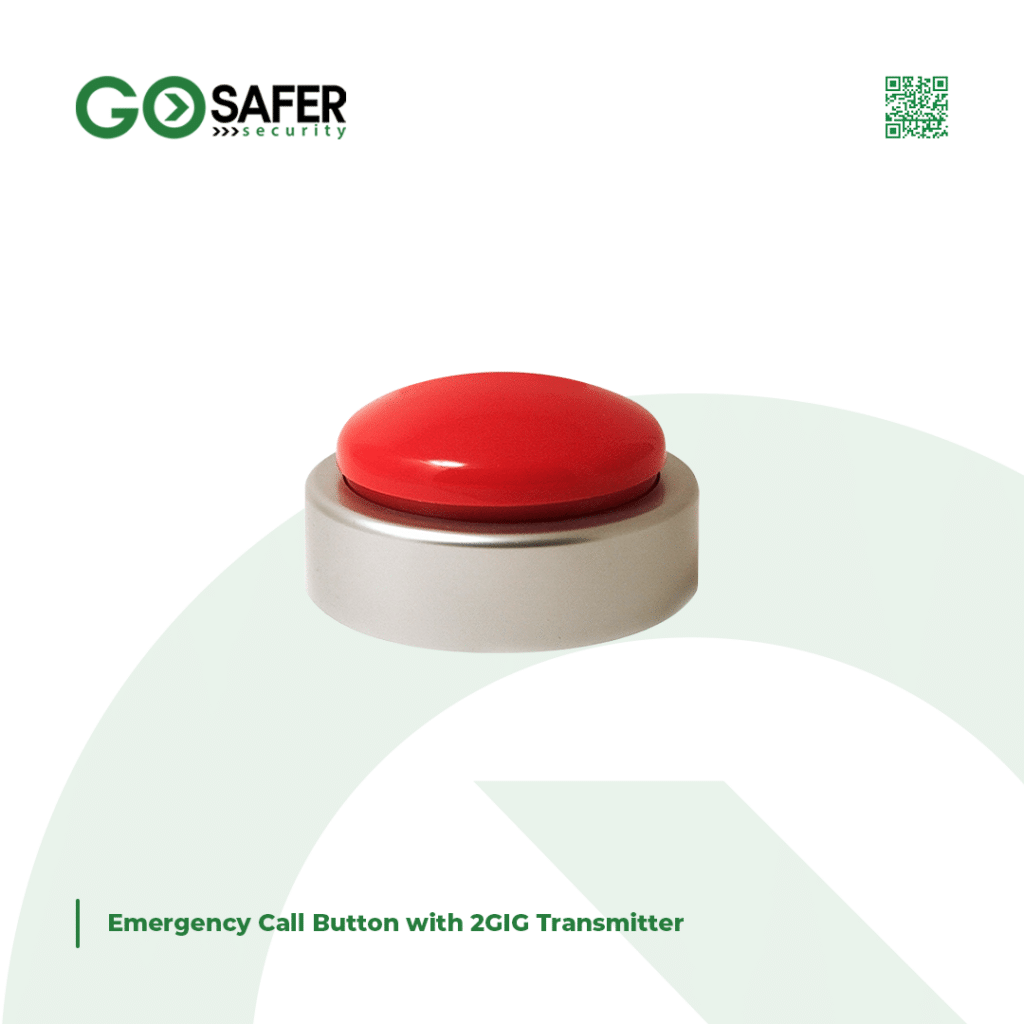
1 Emergency Call Button with 2GIG Transmitter

How the Safety Button Works

1
Step1 safetybutton

Open Alarm.com App

Access the Safety Button right from your mobile device.
 
2
step2 phone

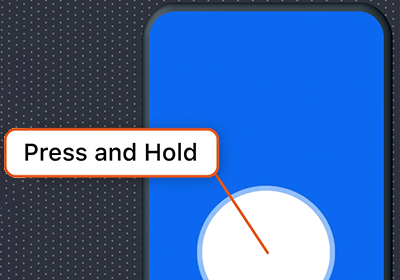
Press & Hold the Button

Release when you need assistance to start the emergency process.
3
step3 phone

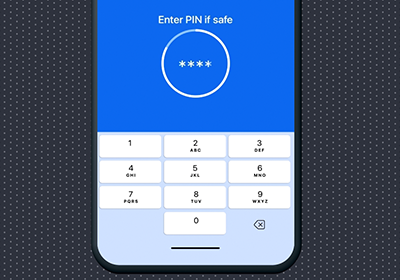
Cancel if Needed

Enter your PIN within 10 seconds to cancel.
4
step4 phone

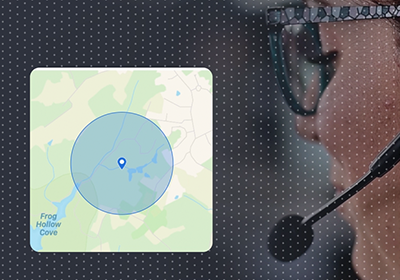
Trained Operator Responds

Operator receives your request, including your location. They will text/call to confirm and send help if needed.

5
step4 phone

Discreet Messaging

If you can't speak, communicate with responders via text for added discretion.
adc mobile app

Key Features

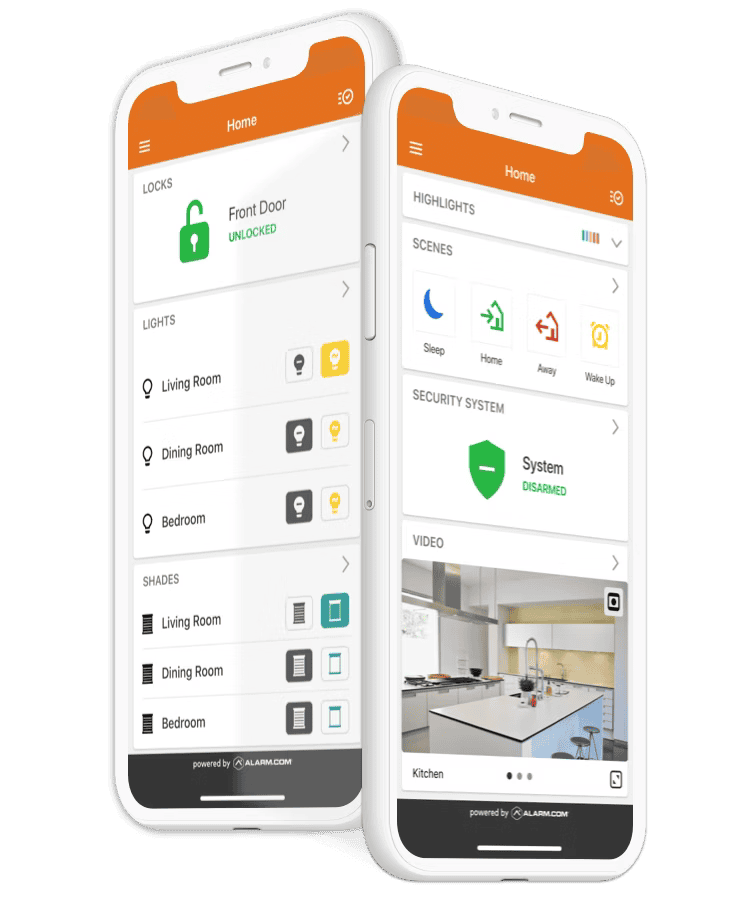
Includes 24/7 monitoring, mobile alerts, automation, and image capture.

custom notifications

Instant Emergency Alerts

Send an emergency alert to trained monitoring specialists in seconds.
remote monitoring

GPS Location Tracking

Your real-time location helps responders reach you faster.

photo 4965775225983709244 m

No Extra Hardware

Works directly inside the Alarm.com mobile app.
energy management automation

Silent Emergency Support

If you cannot speak safely, monitoring specialists can still respond.

image capture

24/7 Professional Monitoring

Emergency monitoring specialists are available day and night.

Who Can Use the Safety Button?

The Safety Button is used by individuals and professionals who want extra personal protection.

real Estate

Real Estate Agents

Stay safe during property showings and open houses.

students

Students

Protection while walking across campus or traveling.

family

Parents & Families

Give loved ones an easy way to call for help.

senior

Seniors

Access emergency assistance with a simple button press.

travel

Travelers

Stay protected when visiting unfamiliar places.

Safety Value

Anyone Who Values Personal Safety

Peace of mind wherever you go.

Your Safety Should Never Be Out of Reach

The Safety Button connects you to professional monitoring specialists ready to help in an emergency.

Get instant protection directly from your smartphone.

What Our Customers Say

photo 2024 01 03 14 32 06

“I recently had their security system installed in my home, and I must say, the process was seamless. From the initial consultation to the installation, their team was professional and efficient. And the best part? Their customer service is unbeatable. They were always available to answer any questions or concerns I had.”

- Kathleen M., Rockville, Maryland(MD)

photo 2024 01 03 14 31 59 1

“Their team was extremely professional and knowledgeable, guiding me through the entire process and helping me choose the best security system for my home. The installation process was quick and efficient.”

- Paul M.,Gaithersburg, Maryland(MD)
Safety Button vs Calling 911

Add the Safety Button to Your Security System Today

Stay protected wherever life takes you with the Alarm.com Safety Button.

Whether you’re at home, traveling, or working late, help is always one tap away.

Pin It on Pinterest

Are you business or Home Owner

Answer these question and get customized security solutions and offers.

I’m most interested in:

(select all that apply)

How many doors and windows do you need to protect?
Last thing. Let’s see if Go Safer Security is in your area!

Providing this information will allow us to see if we offer services in your area along with any special promotional offers.